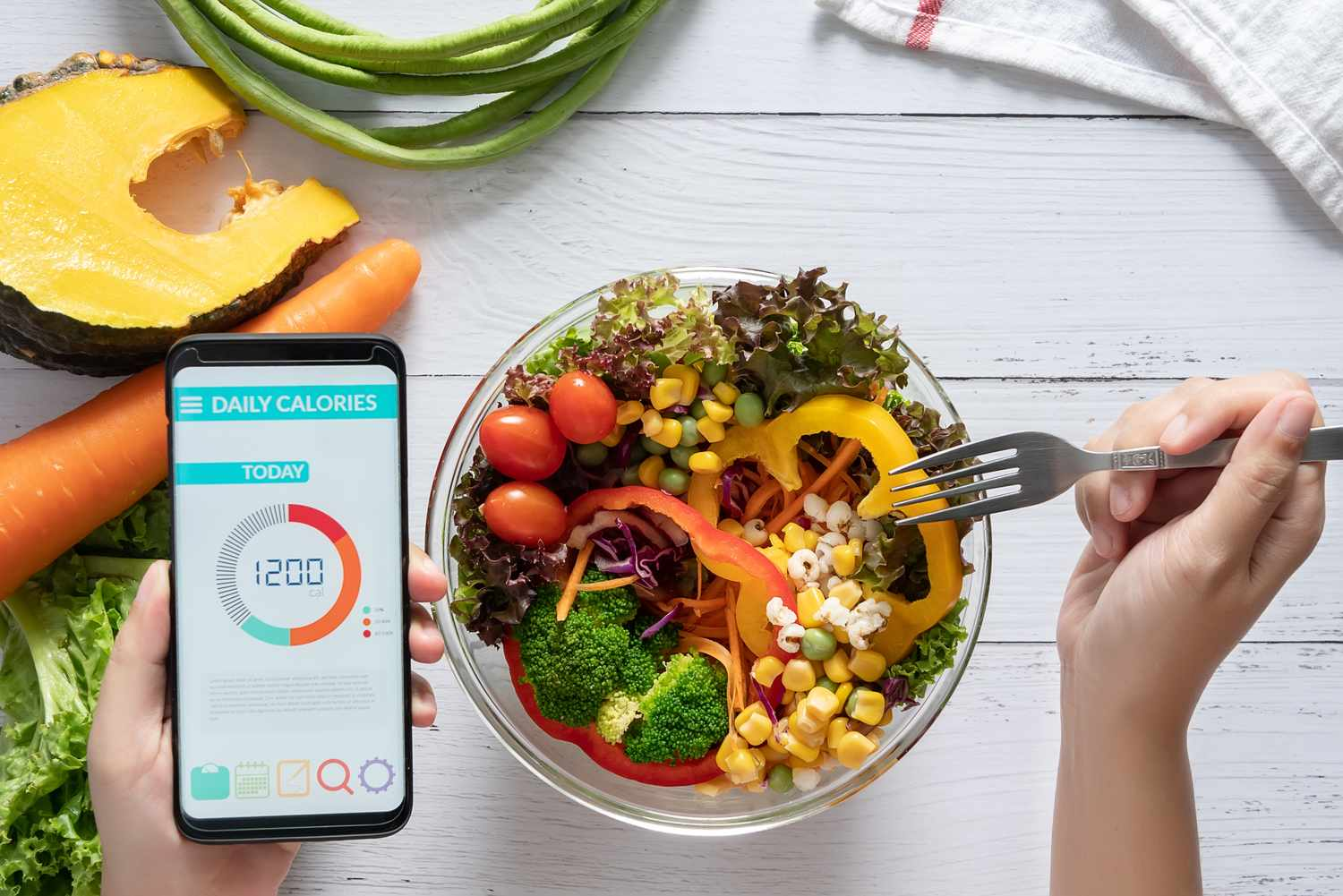
A Telegram calorie bot can offer a food-photo estimate, but a photograph is not a verified measurement of a meal’s energy content. Before using a result, check what food and portion the bot assumed. This guide explains how to evaluate the tool; it does not set calorie targets or recommend a diet.
The public page for @photfit_bot identifies it as a bot for counting calories from photos. That page alone does not establish accuracy, current prices, integrations or how long photos are stored. No hands-on accuracy test is claimed here.
Before sending a photo
- Open the exact bot profile rather than a similarly named search result.
- Look for an operator name, support contact, privacy terms and current charges. If the bot does not provide them, do not infer that use is free or that images are deleted.
- Check whether you can correct the food name, portion and ingredients. If not, the output is harder to inspect.
- Use the bot’s current Start button and instructions. Do not send personal health records to complete a trial.
The Telegram privacy policy says bot developers receive messages sent to them and can receive public account data. Sending a meal photo therefore sends it to the bot operator, not just to a private notebook on your phone.
How to check an estimate
Treat the following as a review checklist, not a claim about this bot’s internal model:
- Does it identify the actual food, including whether it is raw or cooked?
- Does the portion match what you served, rather than a default database portion?
- Have oil, dressing, sauce and other ingredients been entered? If you know they were used but the response omits them, the explanation is incomplete.
- Does the total describe one portion, the whole dish or a value per 100 grams?
USDA FoodData Central explains that its records contain nutrient values and portion information, and that serving sizes have different meanings across data types. A matching food name is not enough: compare the quantity and the basis of the value as well. For packaged food, compare the product’s label with the amount you actually used.
A clear photo may help you discuss what is on the plate, but it cannot document an ingredient that is out of view or tell you the recipe by itself. Do not accept an unsupported percentage-accuracy claim. A bot that returns a precise-looking number has not necessarily measured the meal.
If the answer looks wrong or the bot stops responding
Check the recognized food, units and portion first. Add missing information only if the bot supports corrections. If it cannot explain or correct the result, keep your own note rather than treating the number as authoritative.
For a silent bot, check its current instructions and service notices. Avoid repeatedly uploading the same personal images. A working Telegram profile does not prove that the operator’s analysis service is running. Do not pay merely to resolve an unexplained error.
Keep the use limited
Crop out faces, documents and identifying background details before uploading. Ask the operator whether it sends images to another provider, stores them, and offers deletion. Telegram’s policy does not establish a separate bot operator’s retention policy.
Do not use a photo estimate to decide medication doses, diagnose a condition or set a restrictive eating plan. If a food log is part of medical care, agree with your clinician on an appropriate recording method rather than substituting an unverified bot response.
Related guides
- How to Find and Use Bots in Telegram: Beginner's Guide
- Telegram privacy settings: hide your number and secure your account